


The Salient Play Button offers many styles for added flexibility. There are standalone play buttons, play buttons with inline text, and fun interactive buttons that follow your cursor as shown below.
There are five options for Video Lightbox: Play Button, Play Button with Text, Play Button with Image, Play Button with Image & Mouse Follows, or basic Nectar Button.
With the Play Button with Text option, you can control how the inline text displays by setting it to display as any of the H1-H6 typography types. The style options are Colored Button Pulse, Button Border Small or Button Border Top.
With the Play Button with Image options, you have the ability to add rounded corners and box shadow to the video image. Hover options are to Zoom the background on hover, or Zoom the play button on hover. The Play Button sizing options are Default Size or Larger Size. You can control the Play Button Background Color as well.
With the Play Button with Image & Mouse Follows option, you can set the play button to be a Solid Color, See Through Contrast or Default White.
Video Lightbox Options
Play Button with Image
Zoom Background - Default Play Button Size

Zoom Play Button - Larger Play Button Size

Play Button with Image - Mouse Follow
Solid Color Play Button

See Through Contrast Play Button

Default White Play Button

Video Lightbox Examples
YOUR
PARADISE

Let's Change How We Manage Business
Far far away, behind the word mountains, far from the countries Vokalia and Consonantia, there live the blind texts. Separated they live in Bookmarksgrove right at the coast of the Semantics. It is a paradisematic country, in which roasted parts of sentences fly into your mouth. Even the all-powerful Pointing has no control.

Daily Anti-acne Cream 5:29
A multi purpose cream that fights breakouts while keeping skin youthful.
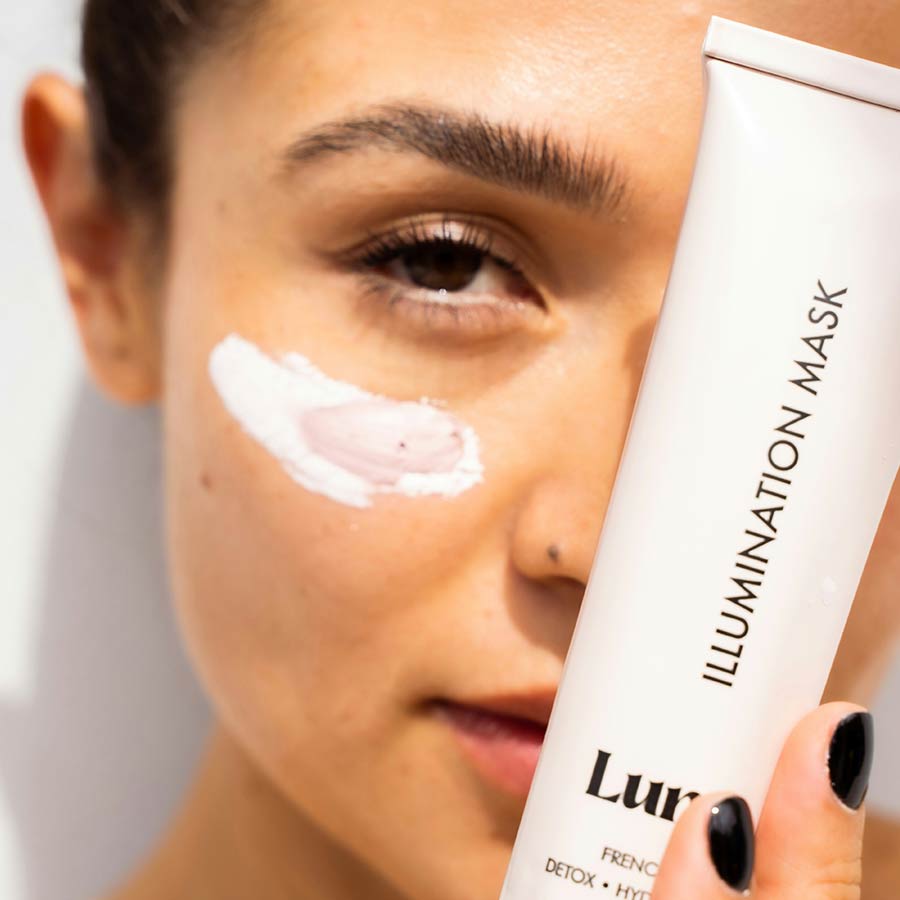
Magic Eye Kit 3:20
Super charged active retinol cream that fights off stubborn eye bags 24/7.

Soothing Moisturizer 6:45
An excellent source of antioxidants to sooth your skin. Made from waterlily extracts.
Your Productivity
Boosted With Salient
Salient app will change the way we stay connected and interact. Meet Kara, a young aspiring writer who’s been using Salient to improve her skills every day.